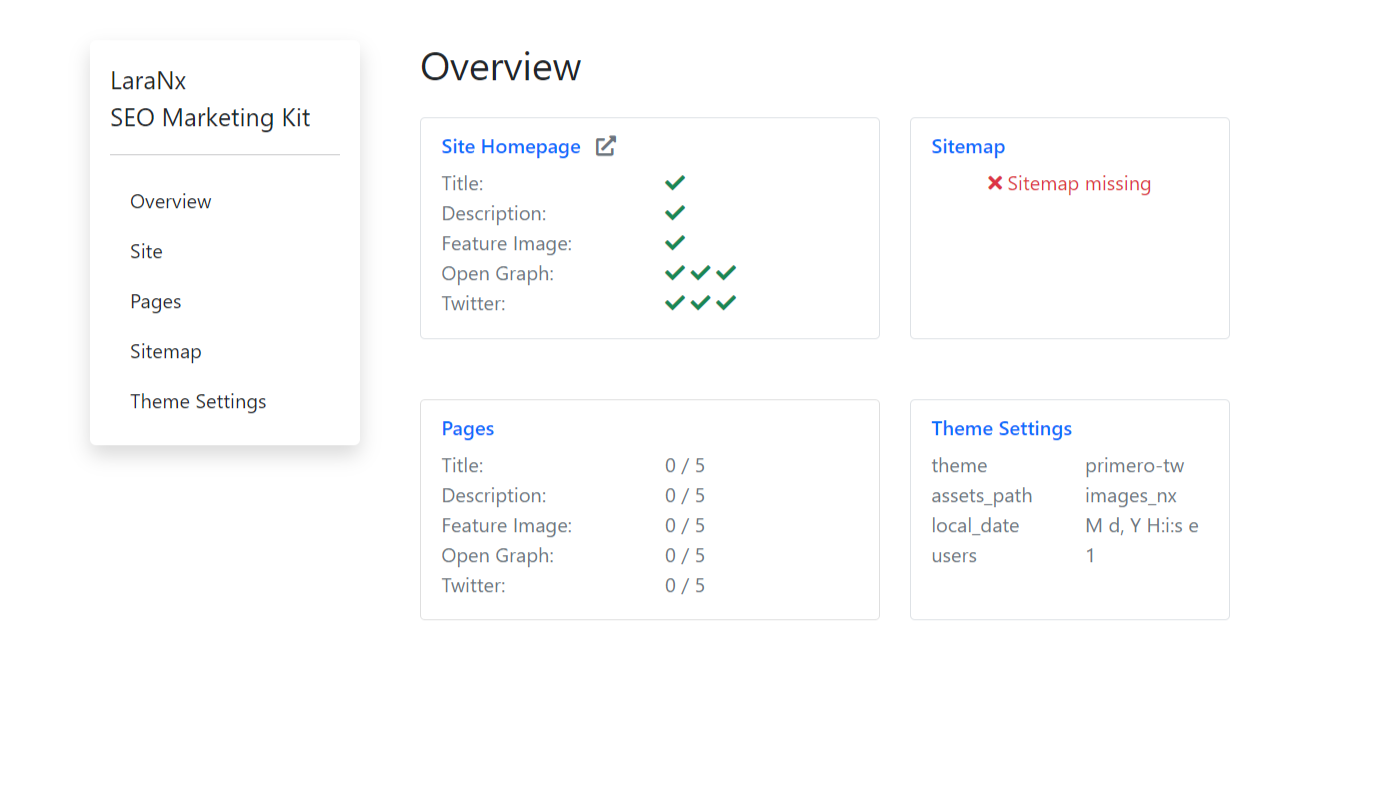
Site SEO
Once you have access as Admin you will see the dashboard/overview page. 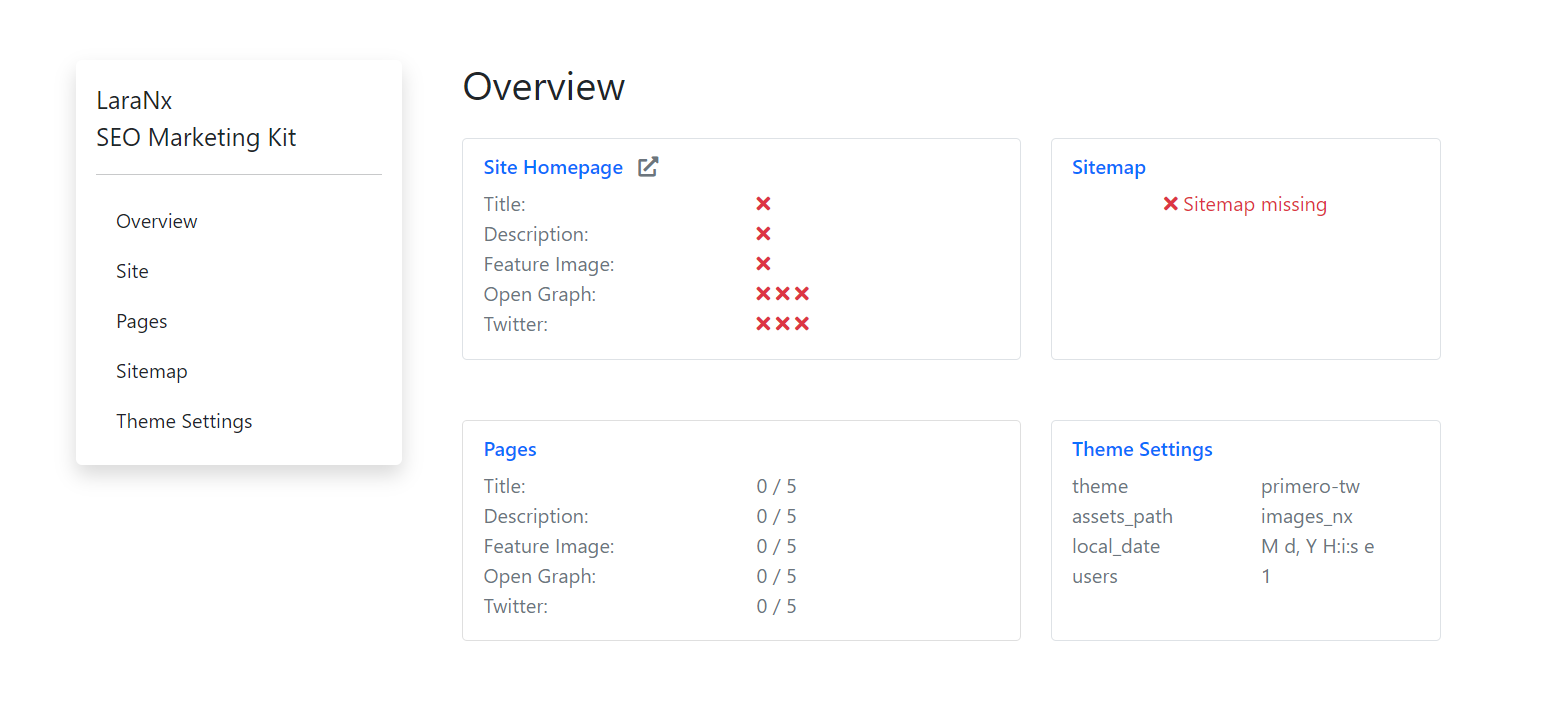
Site Meta Tags
Select Site from the navigation menu
Setting up site SEO will create meta tags for the home page and will be the fall back for any pages that do not have their meta tags completed.
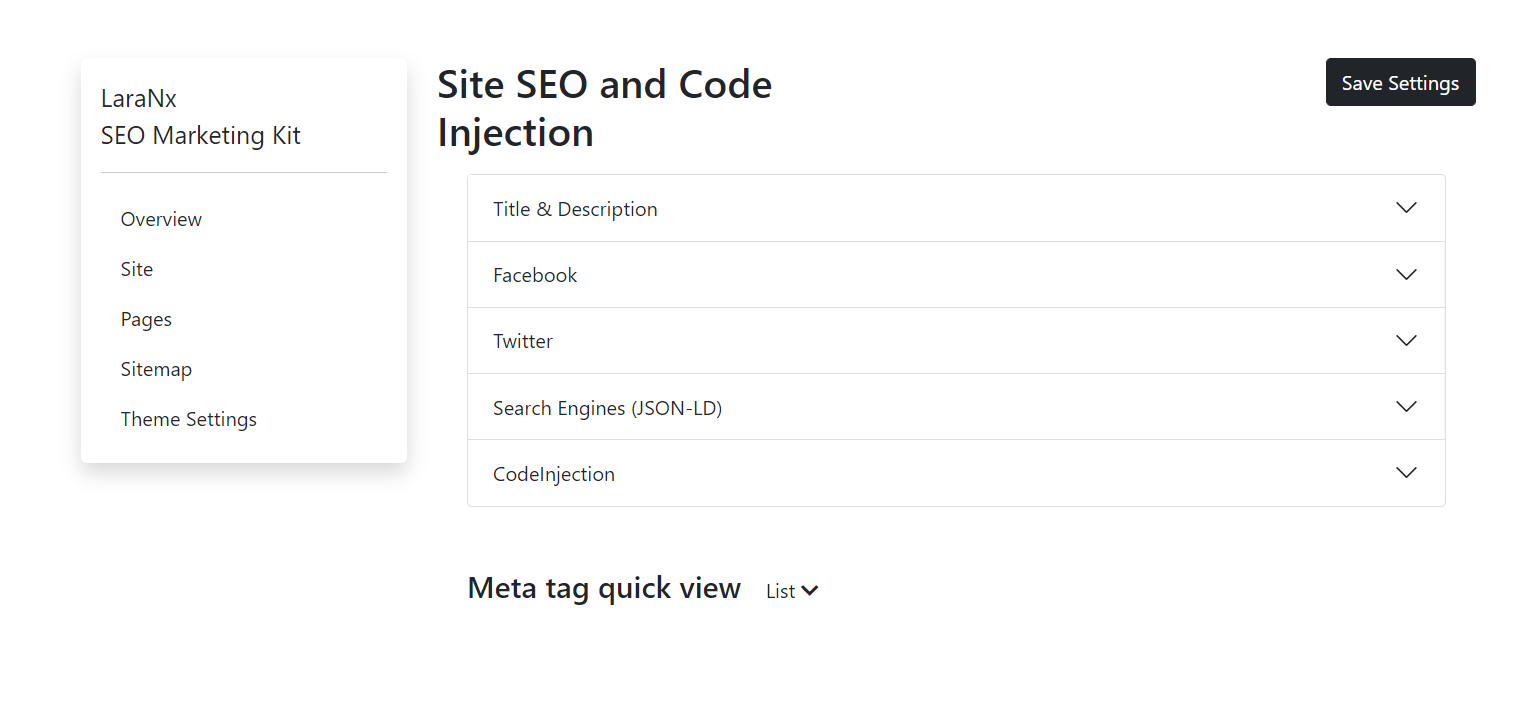
Begin by entering your site title and your site description.
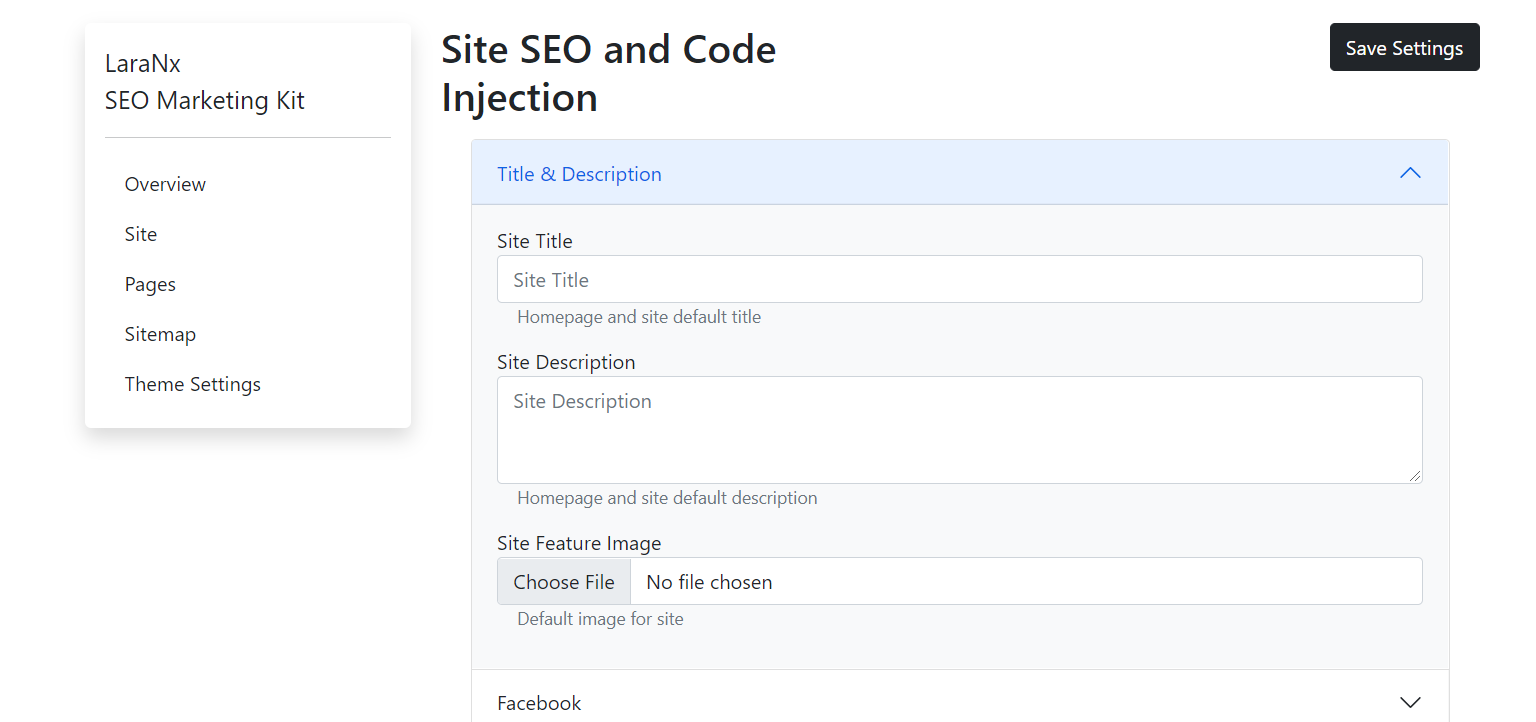
The site feature image is the fallback image for the Open Graph and Twitter tags for the homepage and all other pages that do not have a feature image.
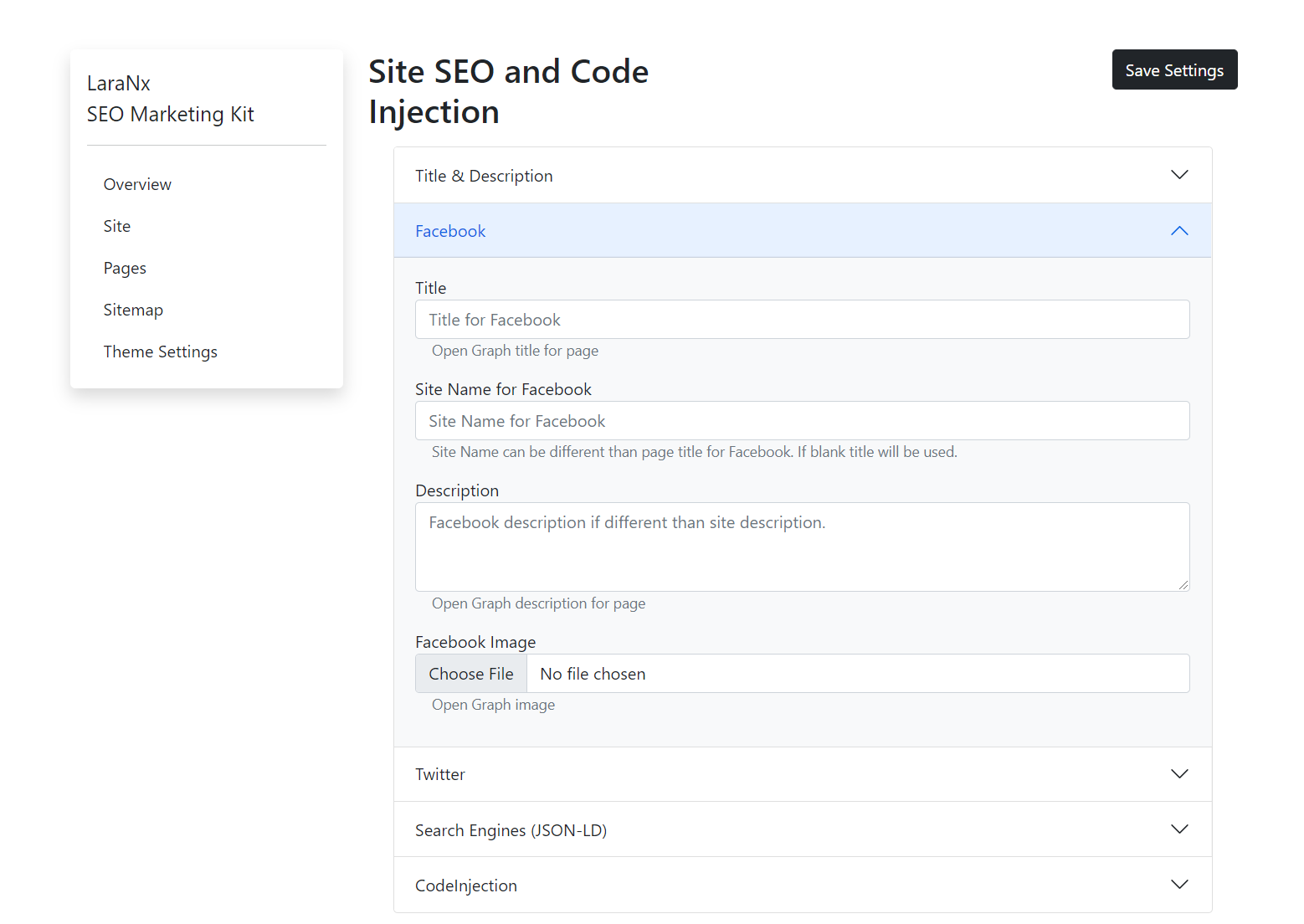
Open Graph
Under the Facebook panel are the Open Graph tag settings. Here you may enter custom information that you wish to be displayed on Facebook, LinkedIn and other platforms that adhere to the Open Graph standard.
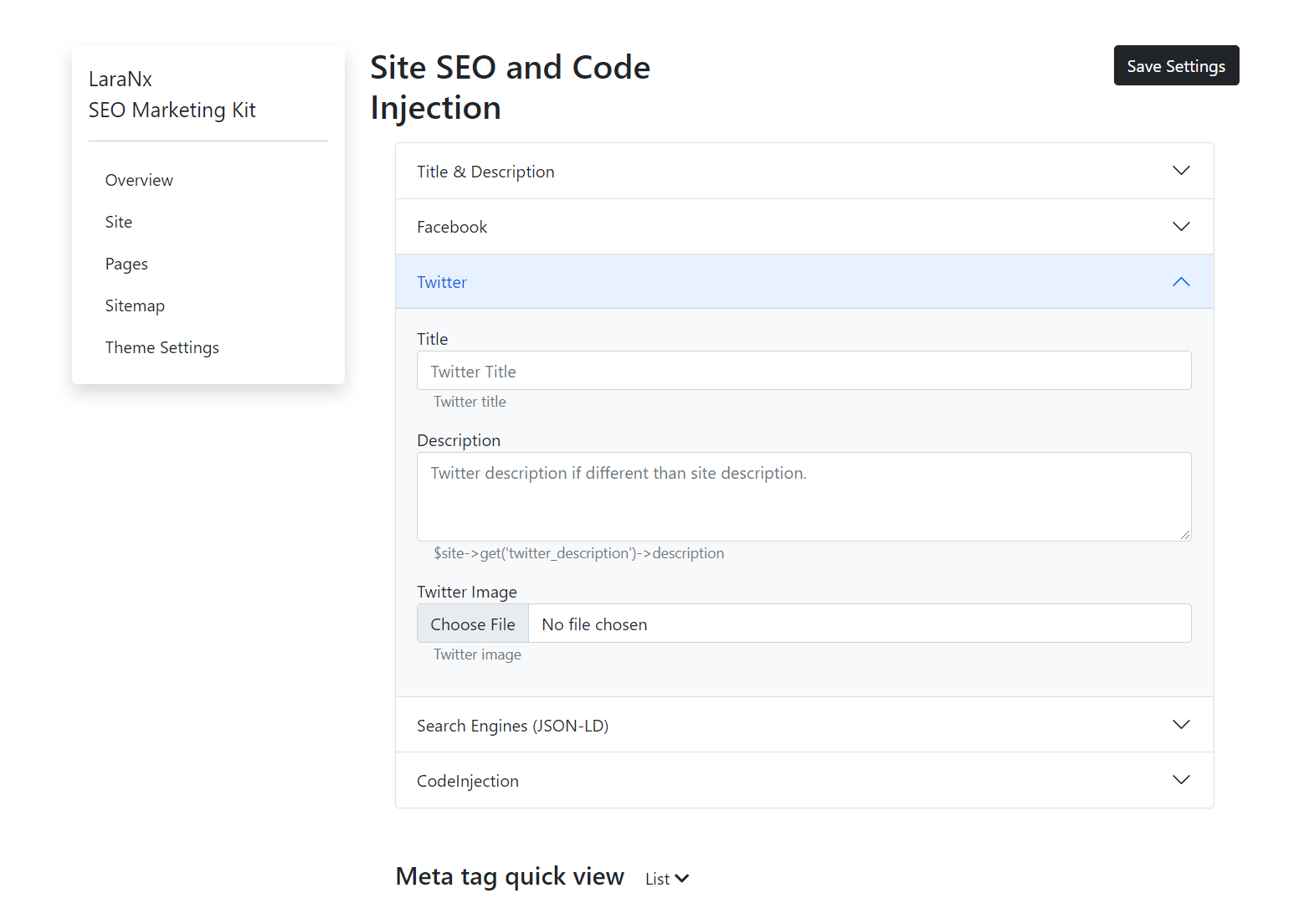
Twitter
Twitter section for custom information you would like to appear on Twitter.
JSON LD Site Schema
SiteSeo will generate a JSON LD script based on the site meta data by default. If you require a more complex JSON LD script include it here. 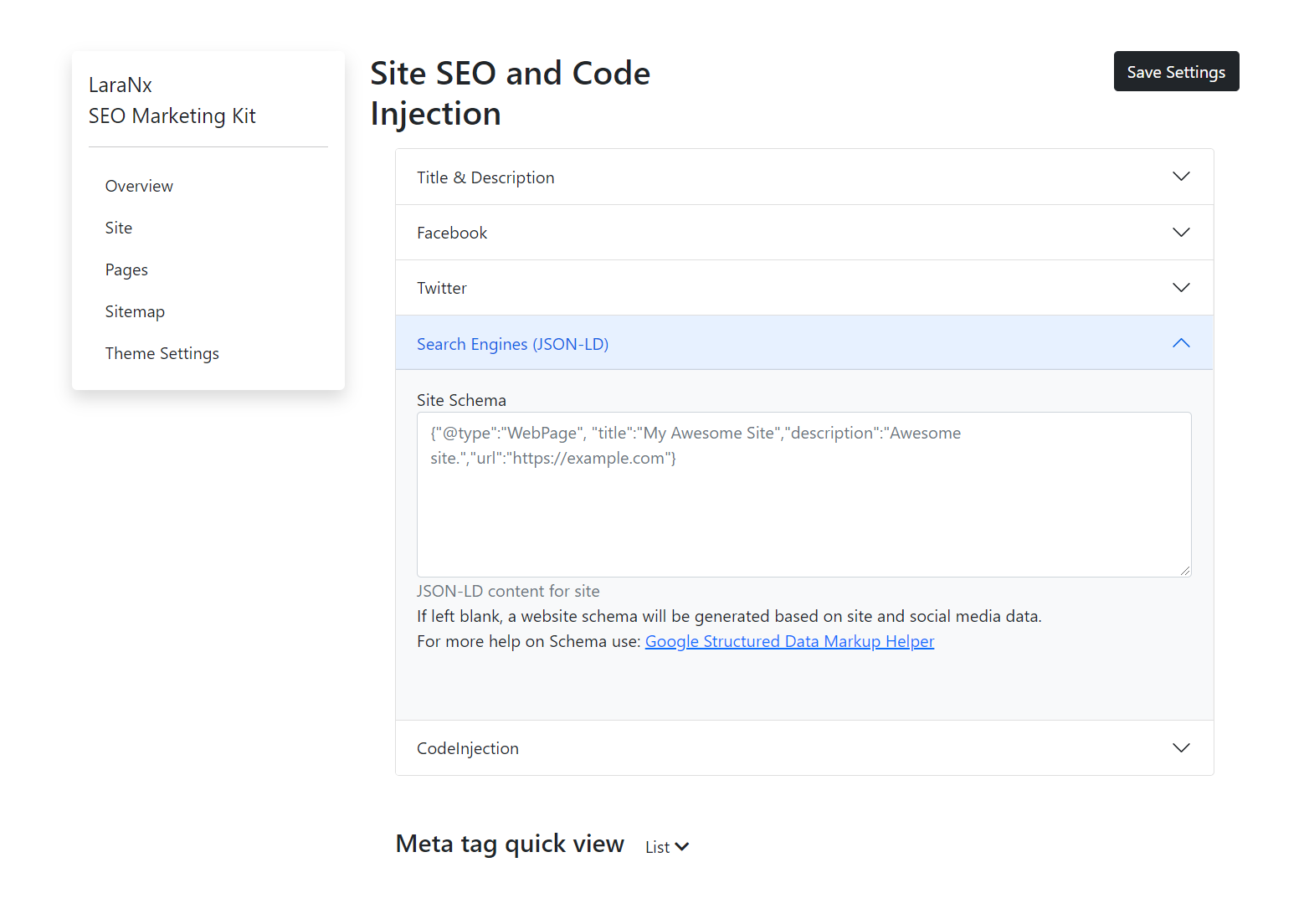
Code Injection
SiteSeo provides a section for site code injection. Code injection allows adding scripts like analytics scripts to all pages without having to modify your code. 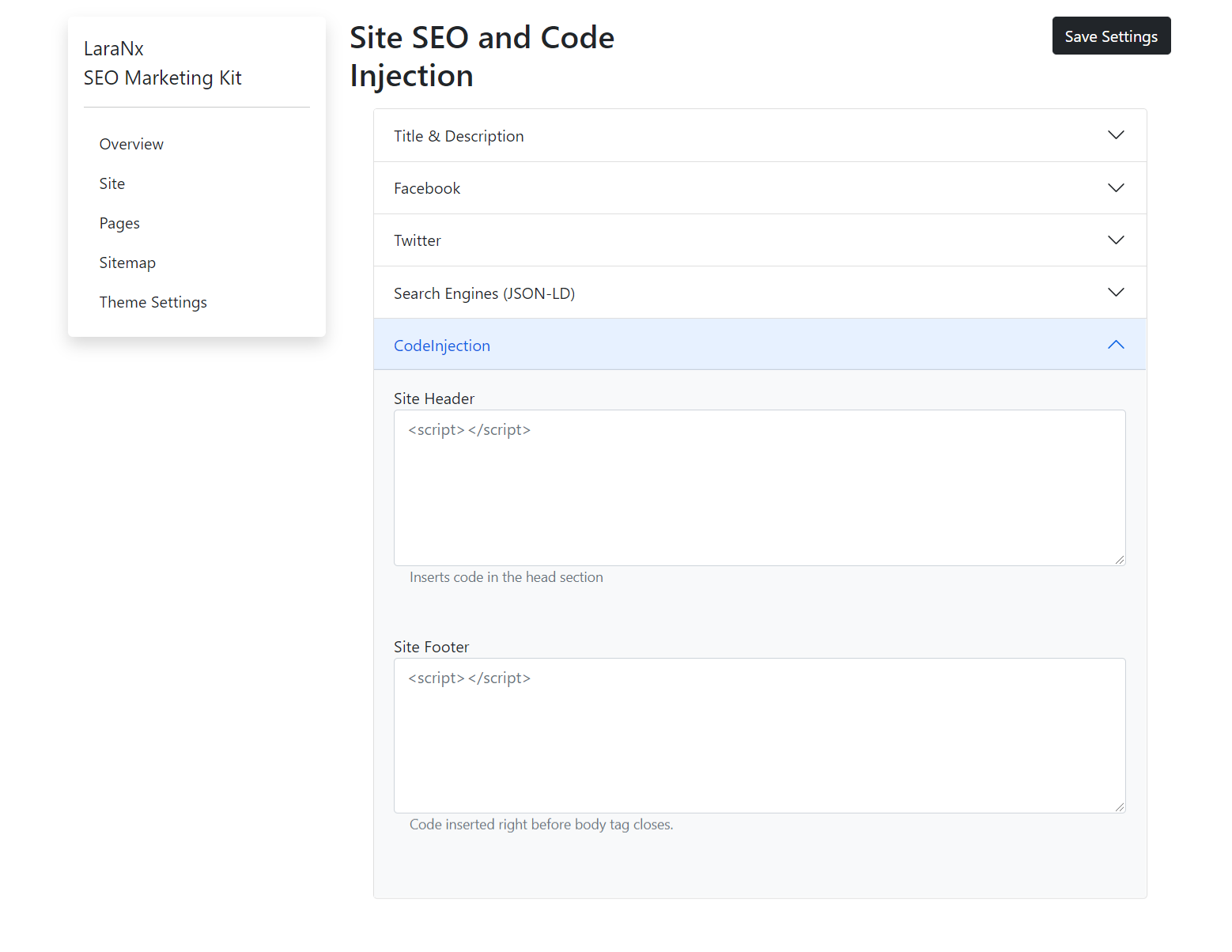
Site Tags Complete
Once tags have been completed the overview page will show green check marks indicating that site tags are complete.